Browse a local SQLite file
Choose SQLite when creating a connection and select your database file. Find tables with the shelf filter or quick open, then inspect rows, columns and the table's SQL source.
Your database is a file. Open it in Tabelaro to browse tables, run SQL and review edits, with no database server to set up.
Download for macOSChoose SQLite when creating a connection and select your database file. Find tables with the shelf filter or quick open, then inspect rows, columns and the table's SQL source.
Open SQL in separate query tabs, revisit history and save the queries you use again. Copy results as CSV, TSV, JSON, Markdown or SQL for work outside the app.
Edit grid cells and inspect pending changes before saving. Use explicit transactions for a group of changes, or export data before taking the next step.
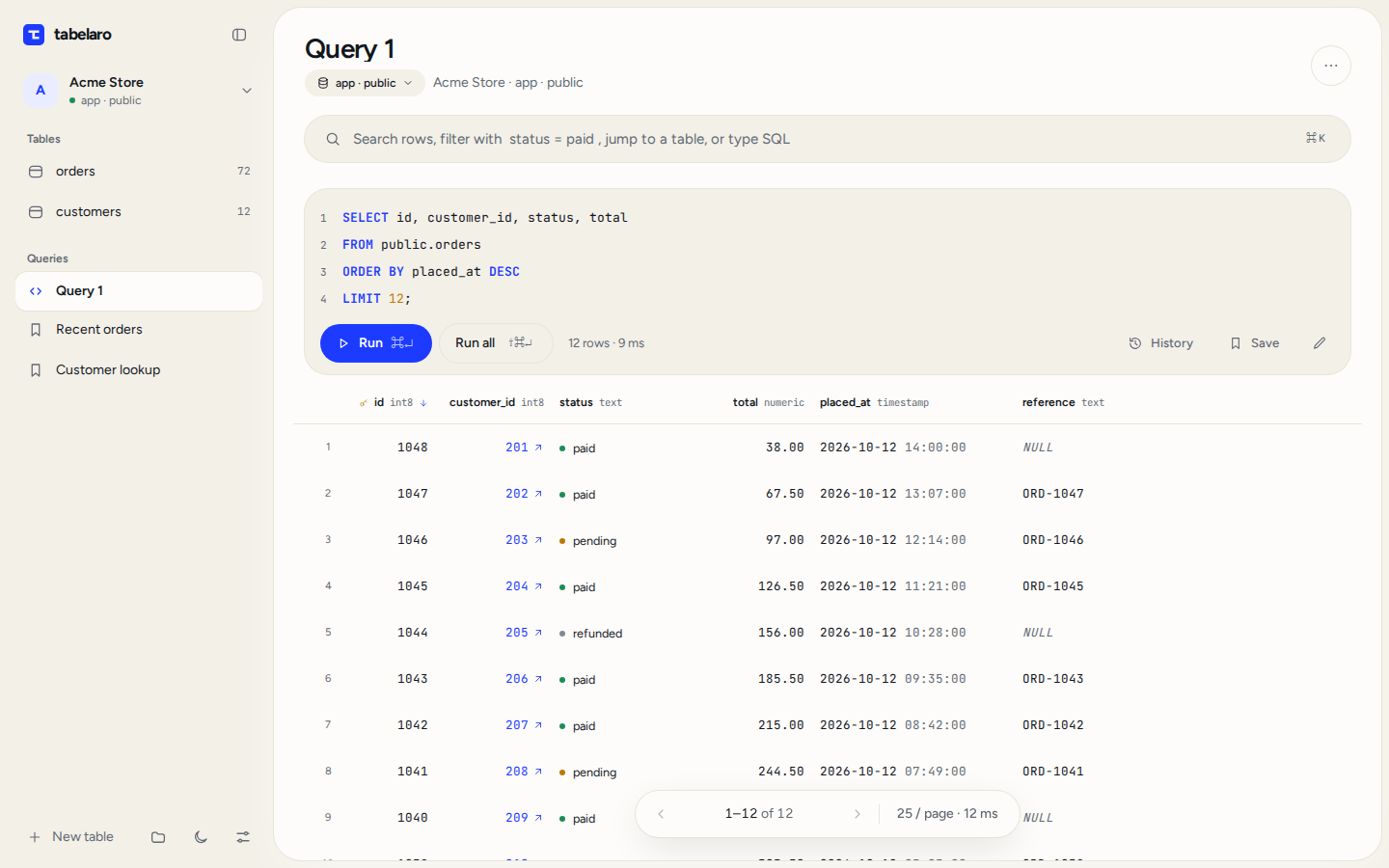
Move through rows in pages or load more as you scroll. Large text values stay as previews until opened, so inspecting one field does not require displaying every full value in the table.
Free for Apple Silicon Macs on macOS 11 and later. See the full feature list